
Prismy
macOS

Pick, Keep, and Copy Colors
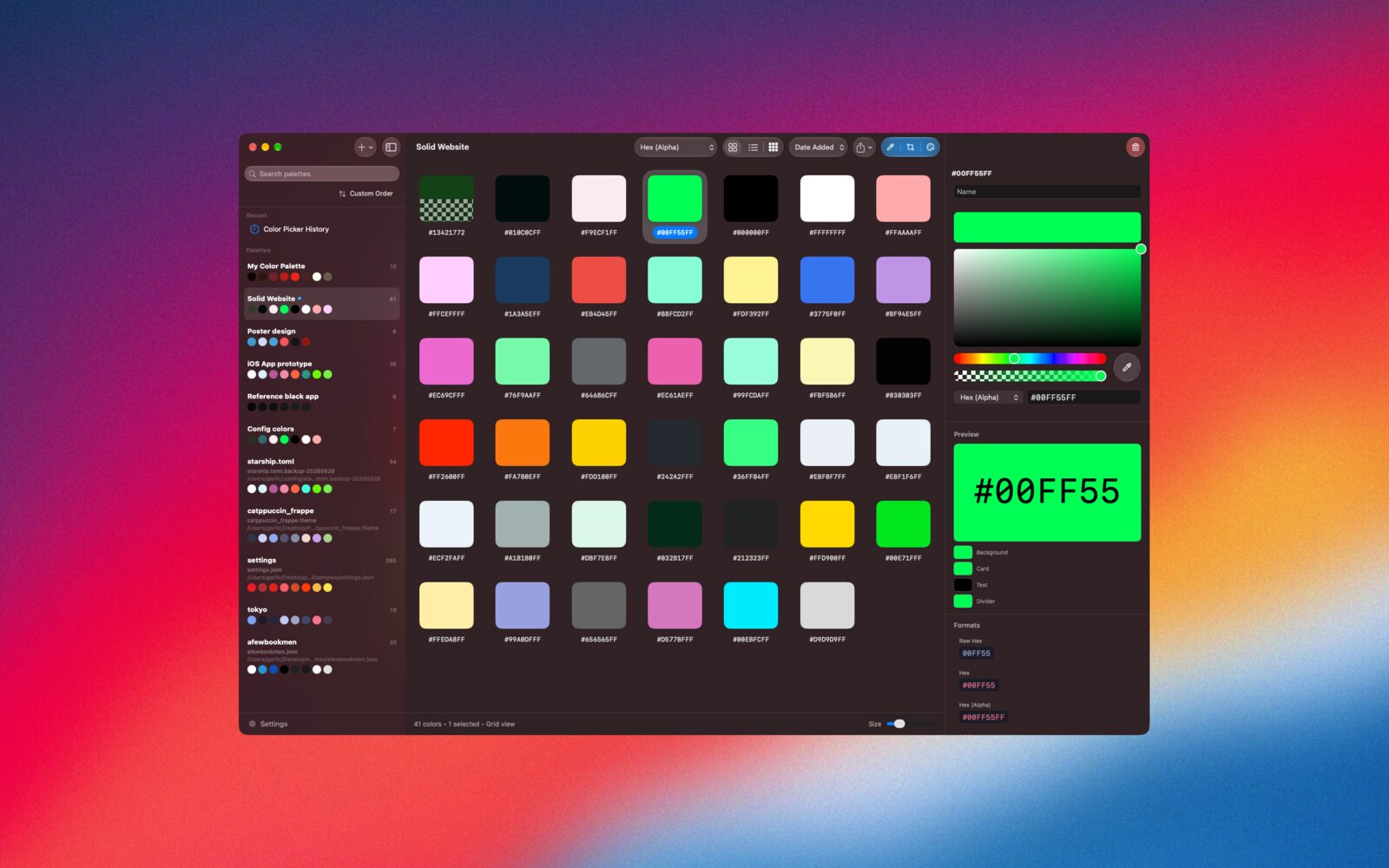
Prismy is a color picker and palette manager for designers and developers on Mac. Sample colors from anywhere on screen, keep them in palettes, and copy them in the exact format your code needs.
Demo
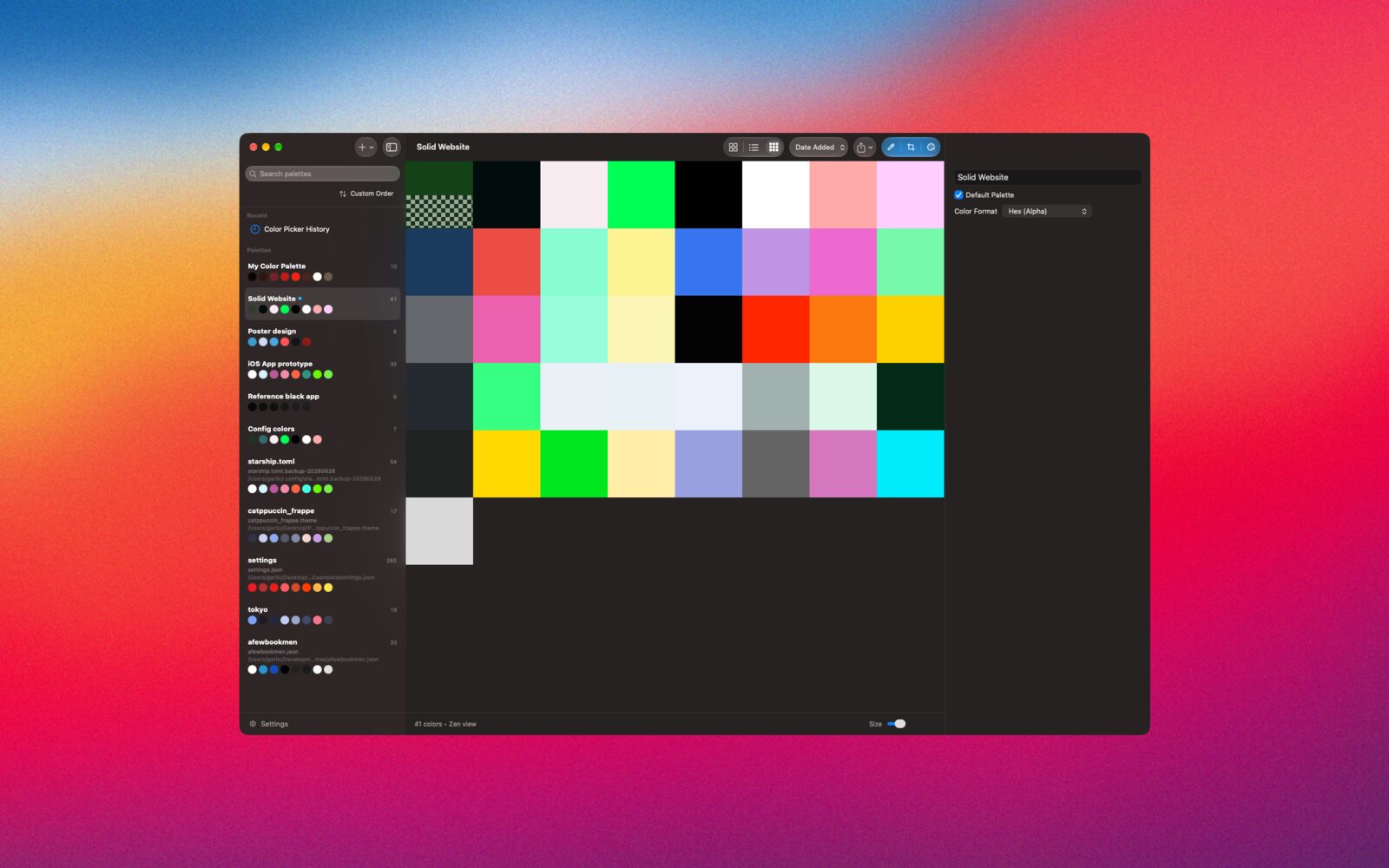
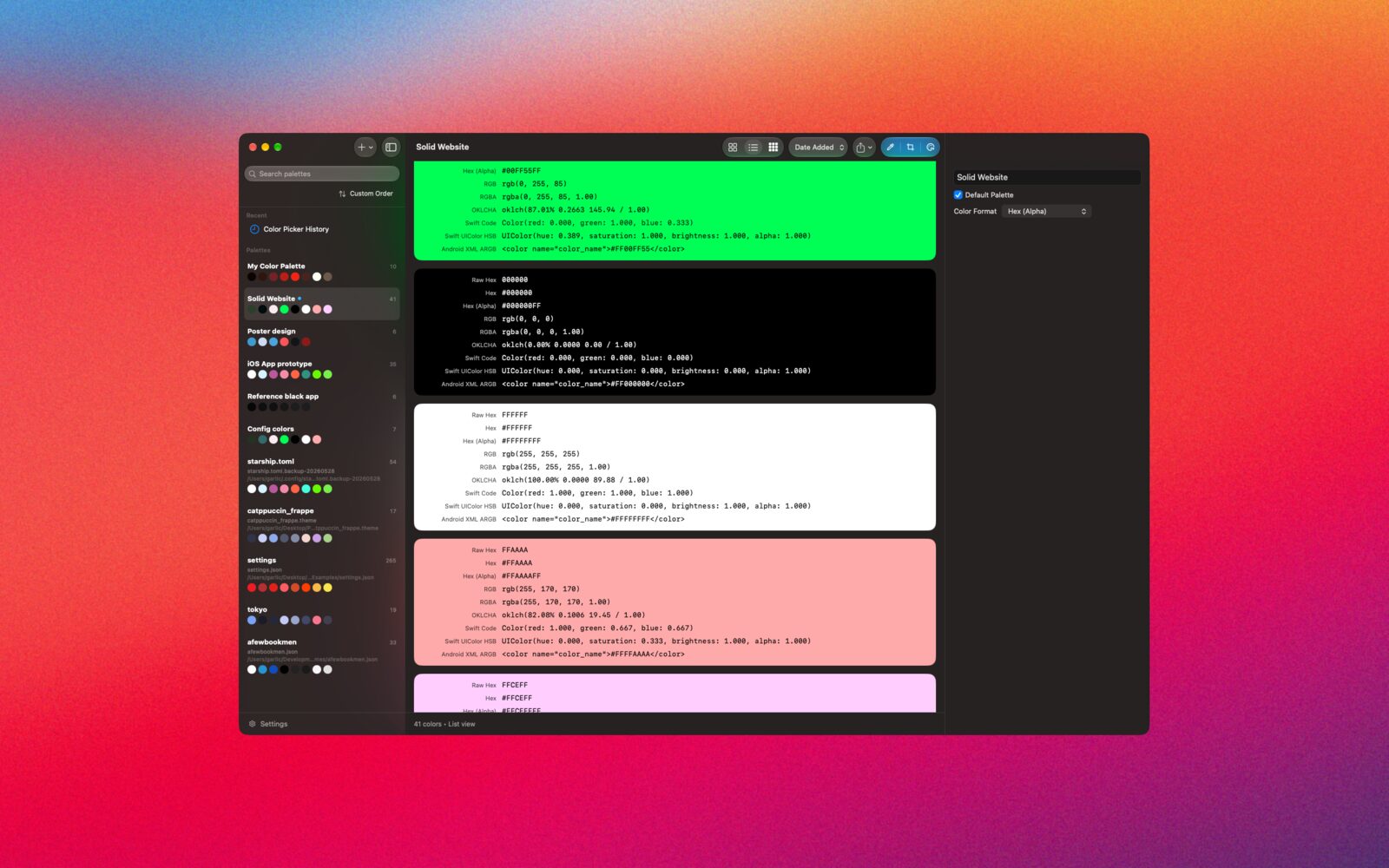
Screenshots
Key Features
- Screen Color Picker
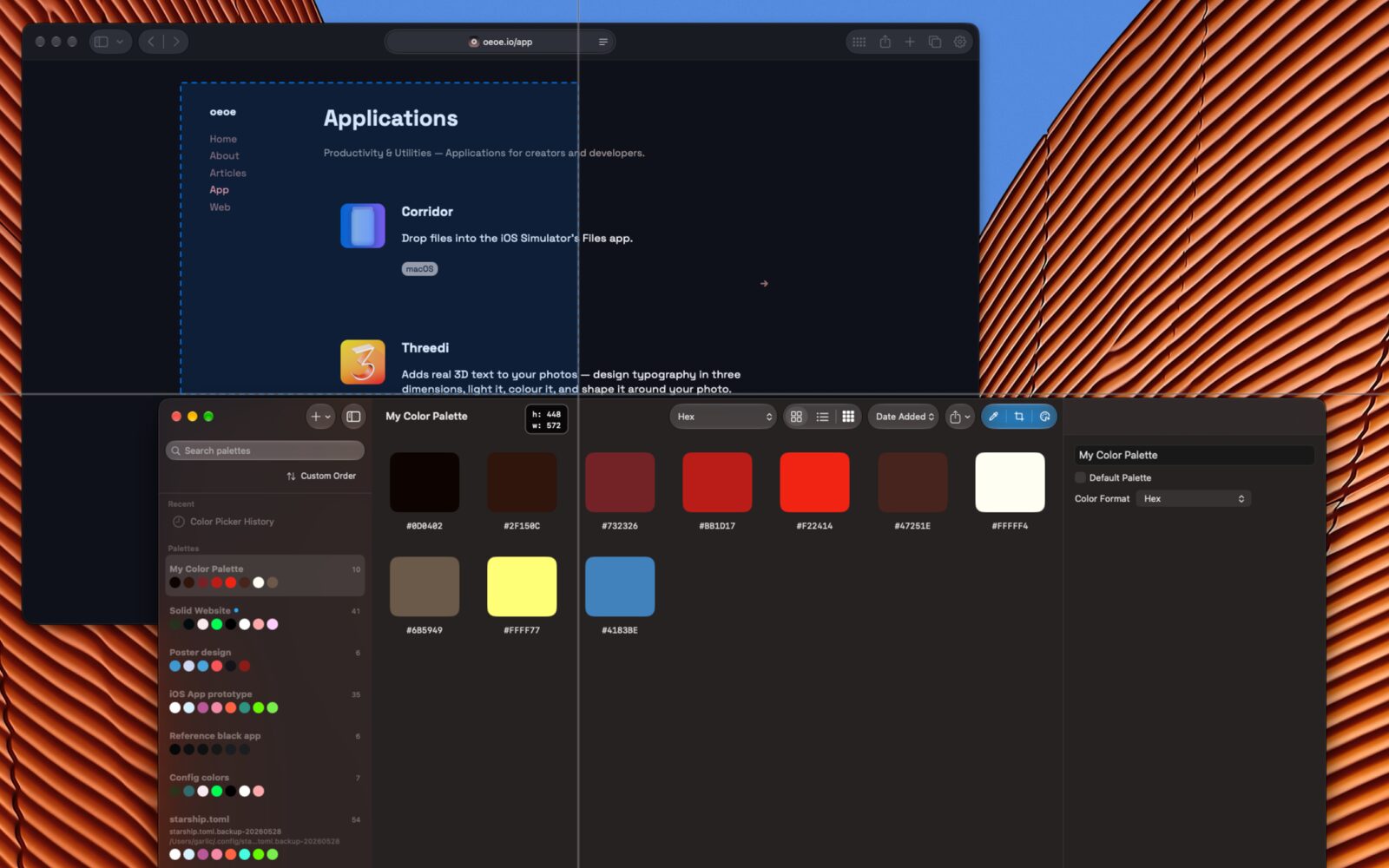
Pick any pixel on screen with a magnified loupe preview. Burst mode picks several colors in a row, and you can extract colors from any area of the screen.
- Copy in the Format You Need
Prismy converts every color into 22 formats. Web: Hex, Hex with alpha, RGB, RGBA, HSL, HSLA, OKLCH, OKLCH with alpha. Apple: SwiftUI Color (RGB, HSB), NSColor (RGB, HSB), UIColor (RGB, HSB), CGColor (RGB, CMYK). Android: Color.rgb, Color.argb, XML color resources.
- Palettes
Sort colors by hue, with grays grouped separately. Export a palette as SVG.
- Import Colors from Anywhere
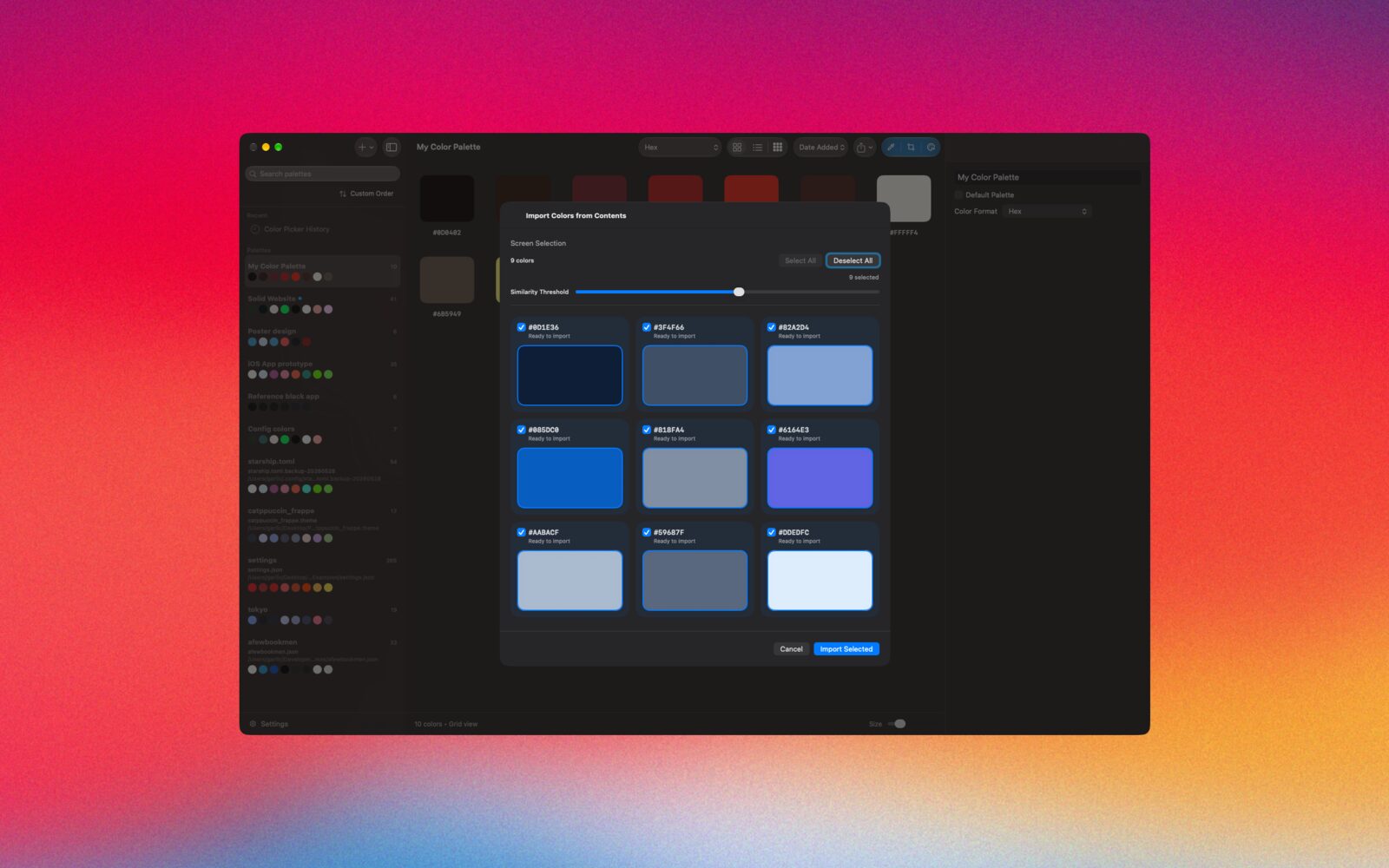
Paste or drop text, files, or images onto a palette. Import colors from a web page. Extract colors from images and adjust the extraction strength in real time.
- Edit Colors in Your Source Files
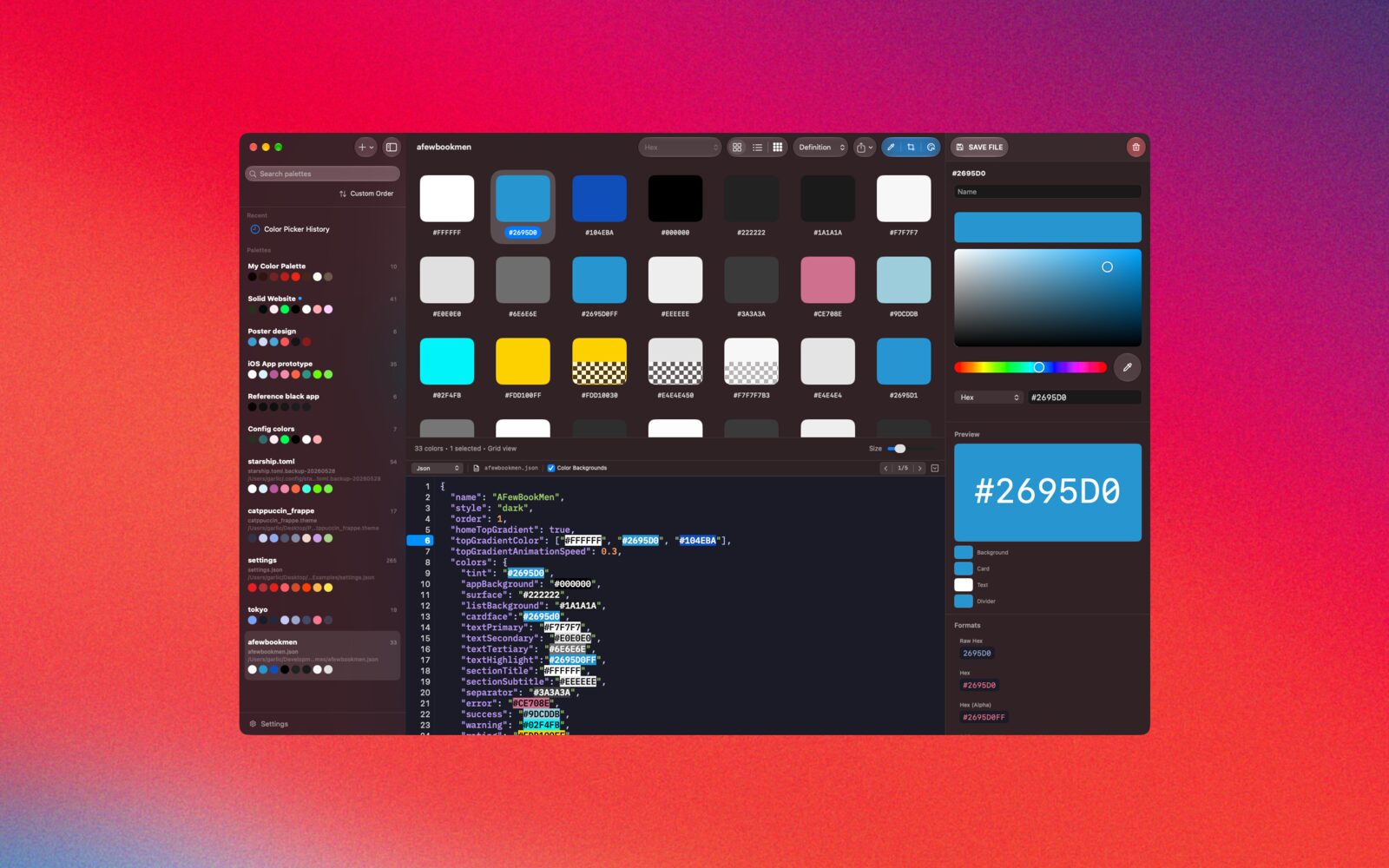
Open a CSS, JSON, Swift, or other text file as a palette. Prismy finds the color tokens in the file and lists them as swatches. View the file with syntax highlighting and a choice of editor themes, select a color to highlight it in the file, and change a color once to update every matching color, or edit colors individually.
- Color Picker
Adjust hue, saturation, brightness, and alpha. Type a color code in any supported format. Compare the original and edited color side by side.
Download Now
Available on the Mac App Store.