CooldownReady
Windows
CooldownReady displays a countdown and plays a sound alert at the configured time when a specific keyboard key is pressed. Useful for games with cooldown-based skills, like Diablo or PoE.
Demo
Screenshots
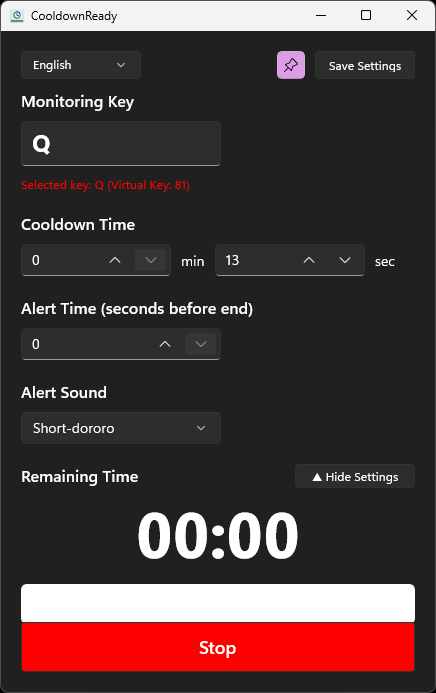
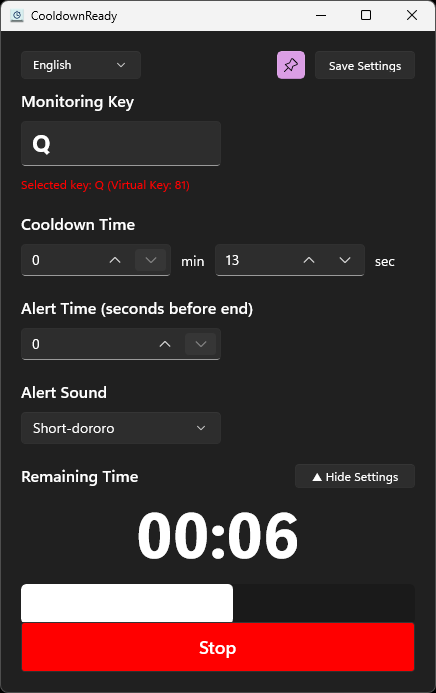
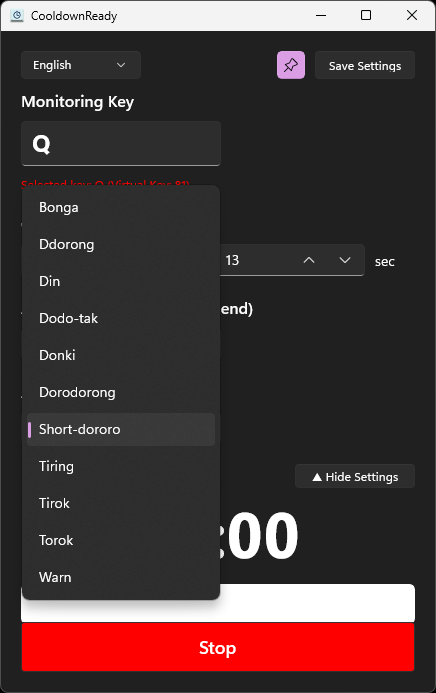
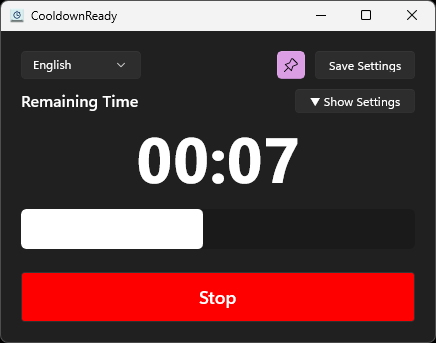
Key Features
- Key-Triggered Countdown
Start a countdown the moment a specific keyboard key is pressed.
- Configurable Timer
Set the cooldown duration to match any skill or ability.
- Alert Timing
Configure how many seconds before the timer ends the alert should play.
- Multiple Alert Sounds
Choose from several alert sounds to fit your setup.
- Progress Display
See remaining time and progress without watching the screen.
- Always on Top
Keep the window visible above your game at all times.
Change Logs
v1.1.0 2026-07-17
- Support multiple key bindings, each with its own key, alert sound, cooldown time, alert time, and repeat-press prevention; add rows with the + Add Key button.
- Per-row enabled checkbox; disabled rows are skipped while monitoring.
- Cooldown input is seconds-only (up to 999); legacy minute values migrate automatically. Alert time is clamped to the cooldown time.
- Countdown rows use the full key label as a progress bar with an always-visible alert position marker; remaining time shown in seconds with optional millisecond display.
- Frame-synced smooth progress rendering at the same frame rate for all rows.
- Overlapping alerts no longer cut each other off; an alert time of 0 plays at countdown end.
- Fixed modifier keys (Shift/Ctrl/Alt) not being recognized.
- Enter commits and blurs number inputs; clicking an empty area blurs them.
- Moved UI strings to resource files (ko-KR, en-US) and unified settings into a single settings.json with automatic migration.
- Added 5 new alert sounds.
v1.0.1 2026-07-14
- Added Korean and English UI language selection.
- Persisted language preference and added system-language fallback when no preference exists.
- Updated English and Korean documentation.
Download Now
Requires Windows 10 version 1809, build 17763, or later.